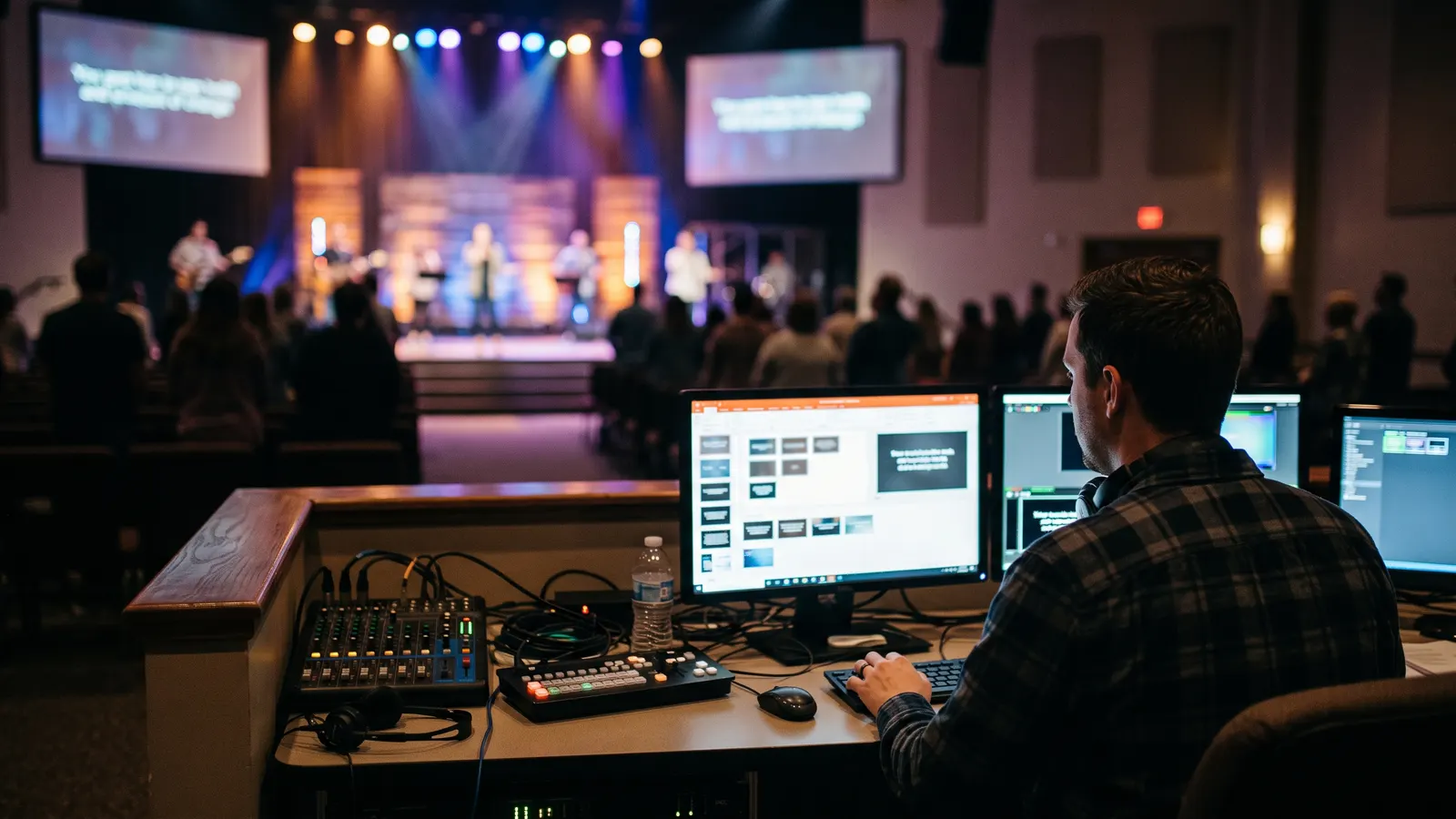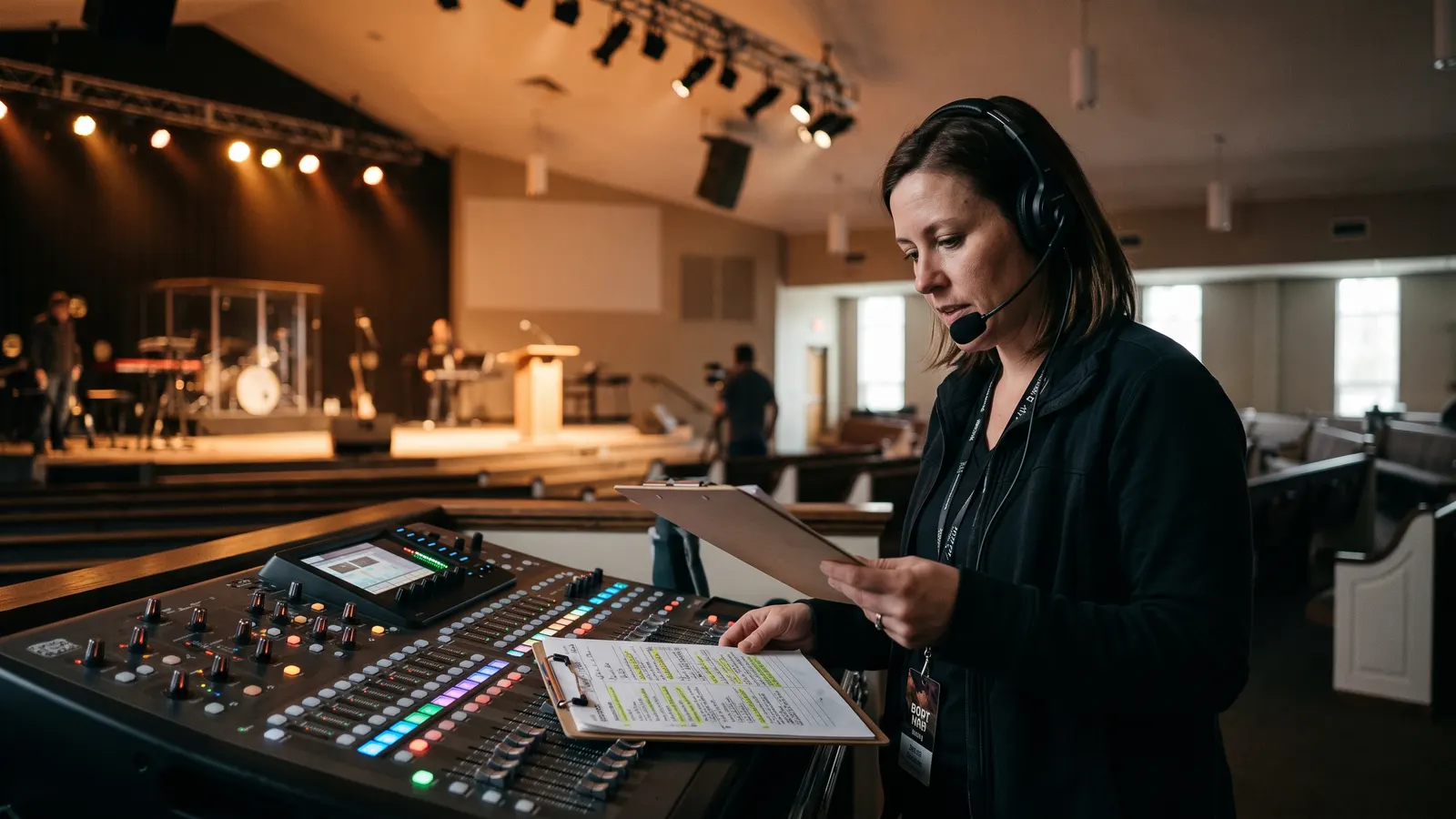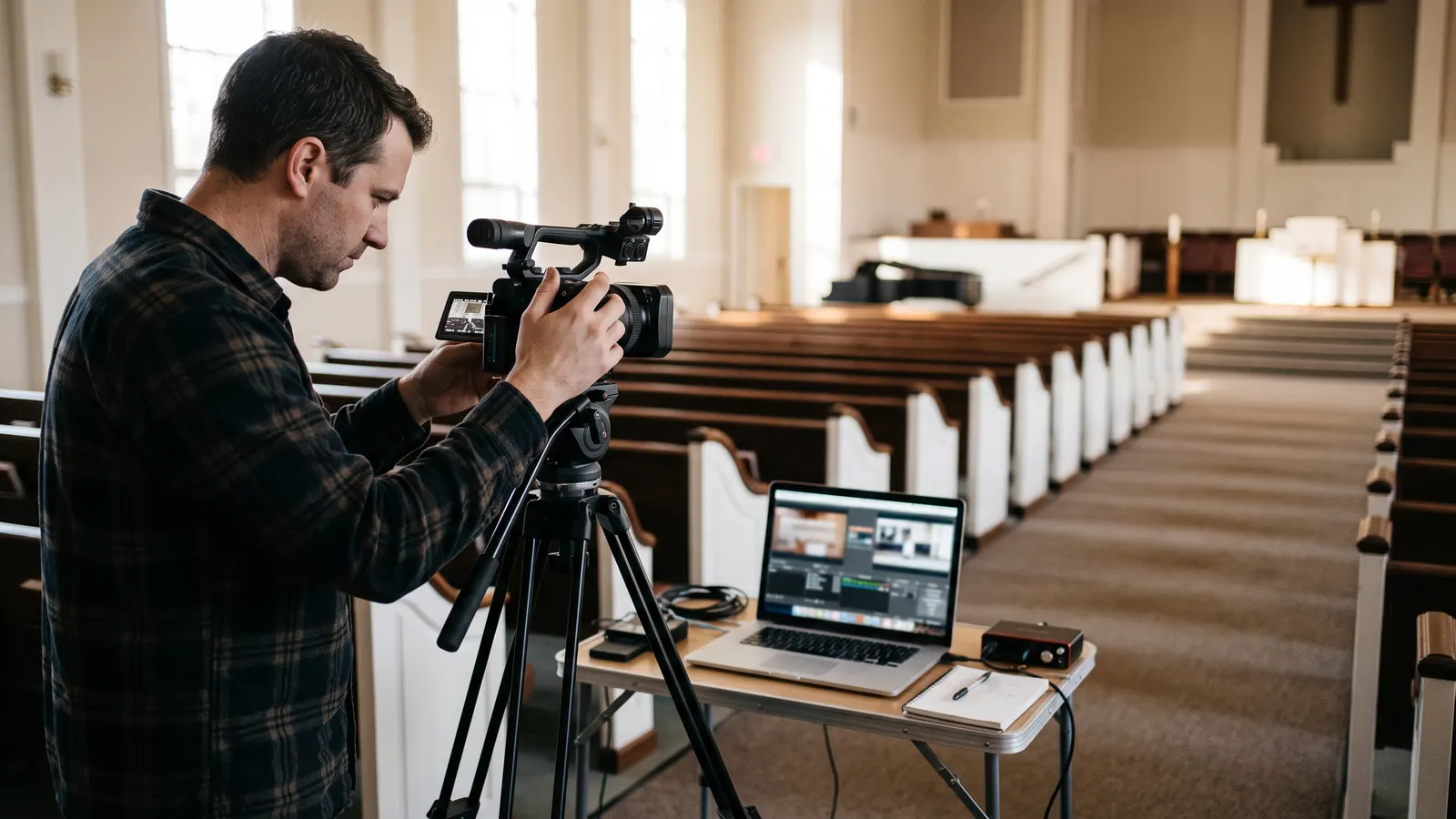
Livestream failures are rarely dramatic. They are small things that were never checked: a muted audio bus, an expired stream key, a laptop that fell asleep. A checklist run the same way every week removes almost all of them.
Before anyone arrives
- Streaming computer awake, updates paused, sleep disabled.
- Internet tested with a speed check; upload speed is what matters.
- Stream key and destination confirmed for today’s event.
- A test stream started to a private destination and viewed on a phone.
During sound check
- Audio reaching the stream mix, not just the room.
- Levels checked on the stream, with music and speech both audible.
- Camera framing set for the stage as it will actually be used.
- Lower-thirds and the pre-service slide loaded and spelled correctly.
Ten minutes out
- Pre-service slide or countdown live to the public stream.
- A second person watching the public stream on a phone with headphones.
- Recording started locally as a backup to the stream.
- Phone numbers for the stream operator and the service director within reach.
If something fails mid-service
Audio first. Viewers forgive a static camera; they leave when they cannot hear. Then stream health, then video. Fix one thing at a time, and let the in-room service continue regardless. The backup recording means the message is not lost even if the stream is.